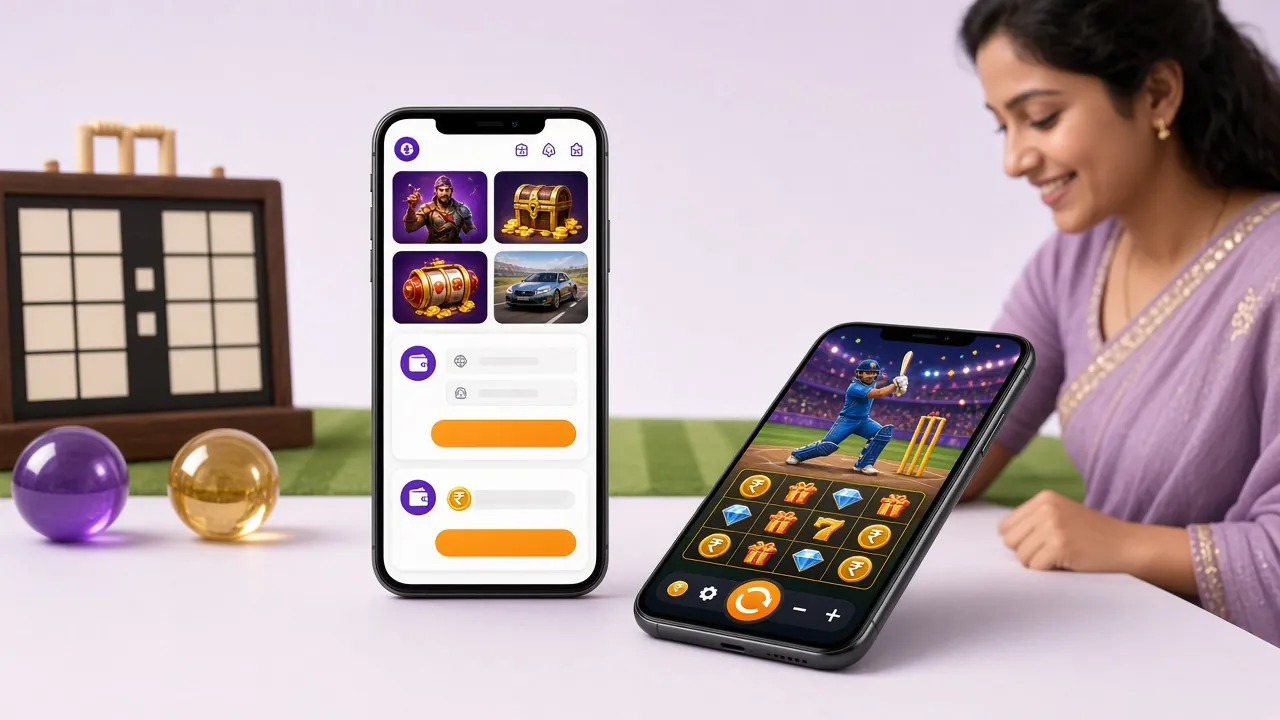
99awln App — Download & Install in Minutes
Get the official 99awln App on Android. Play slots, Crash games, live casino and fishing games from your phone. Deposit with bKash or Nagad in under 5 minutes. Free download, no sign-up needed to install.
Scan to download on your phone
- SSL Encrypted
- 18+ Only
- 24/7 Live Chat
- bKash & Nagad
- Android APK
Safe to Download: What the App Asks For
The 99awln App requests only the permissions it needs. Here is what each one does and why it is there.
No Hidden Tracking
The app does not access your contacts, SMS inbox, call log, or location data. The only network permission it uses is to connect to 99awln servers over HTTPS. Your personal information stays on the platform, not on a third-party analytics pipe. You can verify this by checking the APK's permission manifest before installing.
HTTPS & SSL on Every Request
All traffic between the app and 99awln servers is encrypted with TLS 1.3. This means your login details, payment requests and game data cannot be intercepted on a shared Wi-Fi network. The certificate is validated automatically each time you open the app, so you do not need to do anything extra.
APK Source Integrity
Download only from 99awln.ws/download/99awln.apk. Third-party APK mirror sites sometimes repackage files with added adware. After download, Android will show the app name and package ID before you tap Install — confirm it reads "99awln" with package ws.99awln.app before proceeding.
Storage Permission Explained
The app requests storage access to cache game assets locally. This reduces loading time on slower mobile connections and lowers data usage on subsequent sessions. The app does not read photos, documents or other files. If you uninstall the app, all cached files are removed automatically with it.
App vs Web Browser: Side by Side
Both options work, but the 99awln App gives you a noticeably smoother experience on Android phones.
Already have an account? Log in here. New to 99awln? Create your account first.
Match Night Favourites: What's Inside the App
Every game category on 99awln is available inside the app — from quick Crash rounds to full live casino tables.

Slots & Fishing
Spin Prosperity Fortune Tree, Piggy Gold, Fortune Mouse and over a thousand more titles. Fishing games like Dragon Fishing 2 and All-Star Fishing run smoothly even on 4G. Min bet starts at ৳1.

Live Tables
Join European Roulette from PG Soft or a Teen Patti table from KA Gaming at any hour. The app's dedicated stream buffer keeps the video stable so a quick 3G drop does not disconnect you mid-hand.
Crash & Instant Games
Monster Crash from PG Soft and other instant-win titles are built for short sessions. Cash out before the multiplier crashes. The app's layout puts the cash-out button large and easy to tap — important when milliseconds count.
Instant bKash & Nagad Deposits
The 99awln App connects directly to bKash, Nagad, Rocket and Bank Transfer. Deposits confirm in under 5 minutes. Minimum deposit is ৳200. Withdrawals process in roughly 37 minutes to your mobile wallet.
Push Notifications
Get alerts for reload bonuses, daily cashback credits and upcoming cricket match markets. You can customise which notifications you receive in the app settings — turn off anything you do not need so your phone is not cluttered.
24/7 Live Chat Inside the App
Tap the chat icon from any screen to reach the support team. Response times on the app tend to be faster than email because agents are dedicated to live chat. Use it for deposit issues, game questions or account verification help.
Version Details: Before You Download
Check these specs match your device before tapping the download button below.
Point your phone camera here to download
The APK file is 41 MB, so a Wi-Fi download takes about 20 seconds. On mobile data it may take a little longer. Make sure you have enough storage free before starting. After install the app itself uses roughly 80–100 MB with cached assets.
No account required to download. Register here before or after installing.
Android Installation: Step by Step
The whole process takes under three minutes on a standard Android phone. Follow these steps in order.
-
Allow Installation from Unknown Sources
Go to Settings → Apps → Special App Access → Install Unknown Apps. Find your browser (Chrome, Firefox or whichever you used to download). Tap it and toggle Allow from this source to ON. On Android 12 and above you may see a one-time prompt instead of a settings toggle — tap Allow when it appears. You can turn this permission off again after installation.
-
Download the APK File
Open this page on your phone and tap the Download APK button, or scan the QR code above. Your browser will save 99awln.apk to your Downloads folder. The file is 41 MB — it should finish in well under a minute on a standard 4G connection. Do not close the browser while it downloads.
-
Open the Downloaded File
Once the download finishes, your browser will show a notification at the bottom of the screen. Tap Open. Alternatively, open your phone's Files or Downloads app and tap 99awln.apk. Android's package installer will open and display the app name, icon and the list of permissions it requires. Review them, then tap Install.
-
Wait for Installation to Complete
The installation takes about 15 seconds. Android will show a progress bar and then an App installed confirmation screen. You will see the 99awln icon appear on your home screen or app drawer. If you get an error saying "App not installed", see the troubleshooting table below — the most common cause is not enough free storage space.
-
Log In or Register to Start Playing
Open the 99awln App and tap Log In if you already have an account, or Register to create one. After logging in, go to the Deposit section, choose bKash, Nagad, Rocket or Bank Transfer, and deposit ৳200 or more to activate your welcome bonus. You can also log in via the website if you prefer.
Installation takes about 15 seconds
On iPhone: Add 99awln to Your Home Screen
There is no iOS APK. iPhone users can add the 99awln website as a shortcut that behaves like an app.
Open in Safari
Visit 99awln.ws in Safari (not Chrome or Firefox — this feature only works in Safari on iOS).
Tap the Share Button
Tap the Share icon at the bottom of the screen (the box with an arrow pointing up). Scroll down in the share sheet.
Add to Home Screen
Tap Add to Home Screen. Give it a name (e.g. 99awln) and tap Add in the top-right corner.
Open Like an App
The 99awln icon now appears on your home screen. Tap it to open the site full-screen without the browser address bar. All game features work the same as on Android.
Questions About the 99awln App
Answers to what players ask most before and after downloading the 99awln App.
Is the 99awln APK safe to install on my phone?
What Android version do I need?
How do I update the app to the latest version?
Can I deposit with bKash directly in the app?
Does the 99awln App work on iPhone?
What games are available in the app?
What happens if I uninstall and reinstall the app?
Ready to Play on Your Phone?
Download the 99awln App now, deposit ৳200 or more with bKash, and start playing slots, Crash and live casino games on the go.